
Import your product list from CSV
Move an existing shop stock list into Kitabcha without adding each product by hand.
Prepare the file
- In Stock, open More → Import products and download the CSV template. Keep its column headings and supported unit codes.
- Enter each product’s name, currency, selling price, purchase cost and opening stock. For example, a grocery shop can start with 25 kg of rice priced in AFN.
Review the preview
- Choose your CSV file. Check the product names, units, currencies and opening quantities shown in the preview; correct errors in the file and choose it again.
- Save only when the preview is correct. Opening stock is goods you already have, so do not also record a new purchase for the same starting quantity.
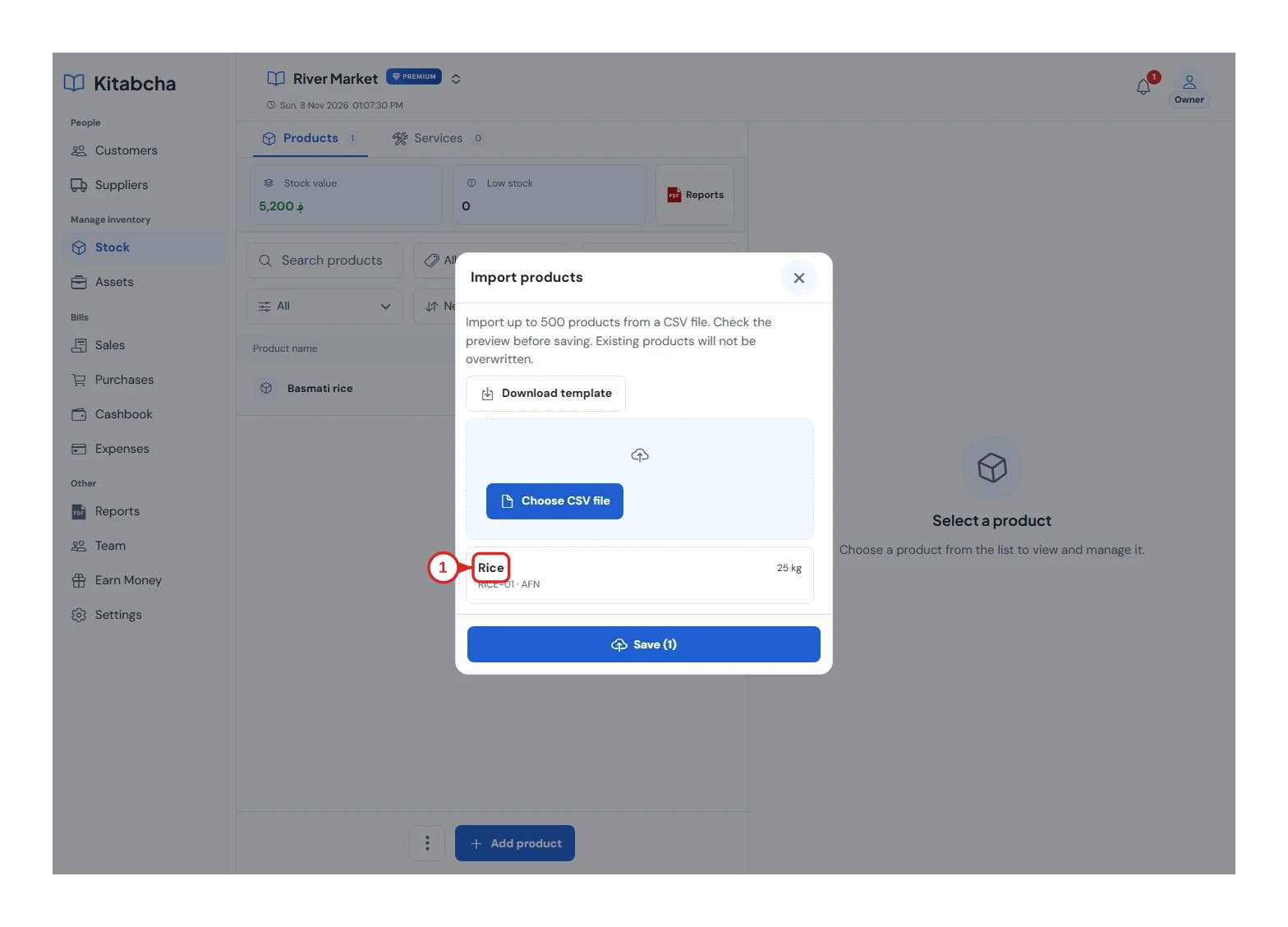
- Review products before saving
Check and keep a copy
- Find the imported products in Stock and compare a few quantities with your physical count. Review existing products before importing again to avoid duplicates.
- Use More → Export CSV to download the product list when needed. Importing customer and supplier debts is a separate action in Settings → Import your Kitabcha.
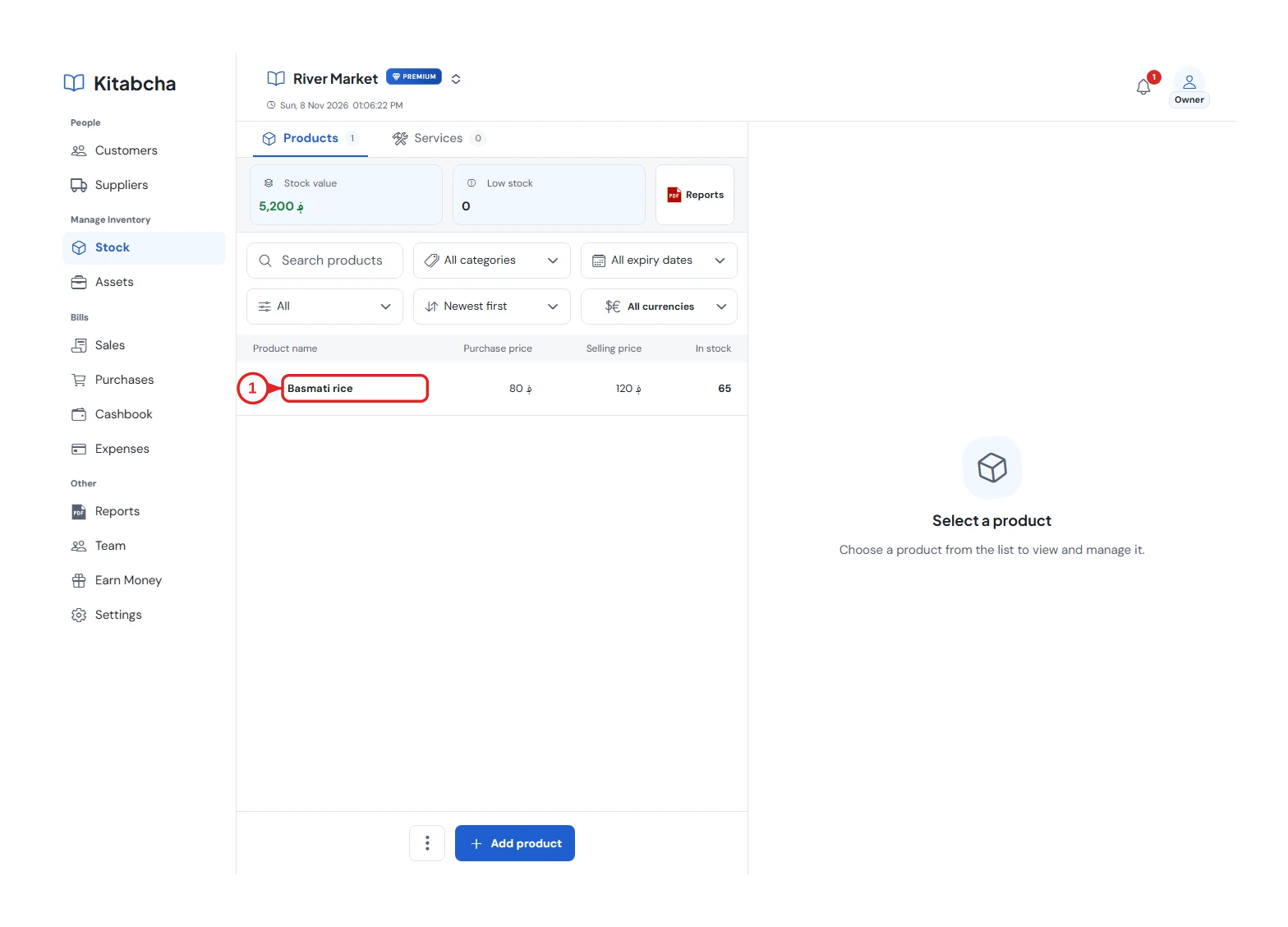
- Product details
Need a hand?
Tell us which step you reached, your device and what happened. Never share sign-in codes or private records in public messages.
WhatsApp supportEmail support