
Add and sell a service
Record work you provide without managing a stock quantity.
Add the service
- Open Stock and choose the Services tab, then Add service.
- For example, add Tailoring with a price in AFN and choose a service unit such as Per Job, then save. A service does not need an opening stock quantity.
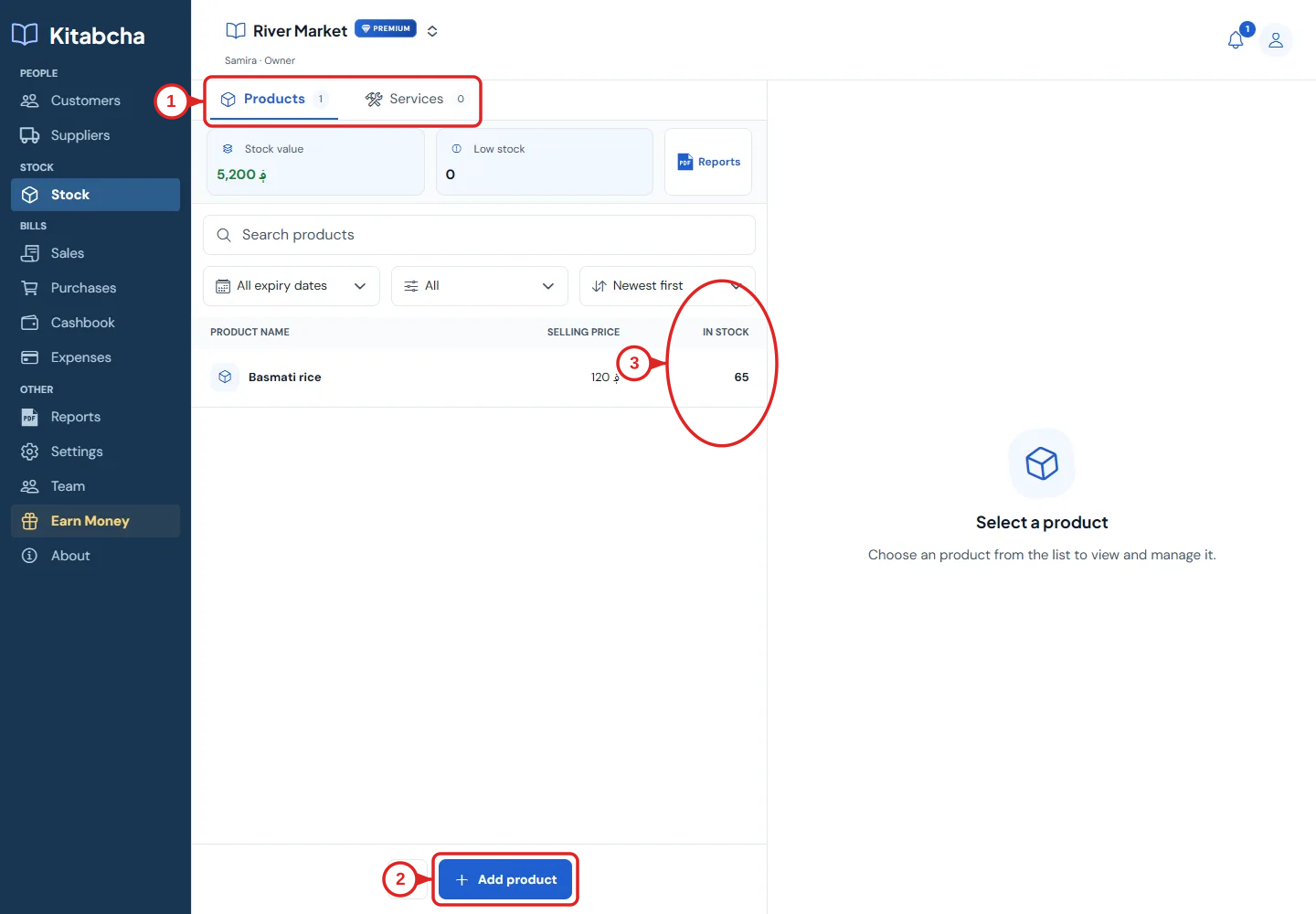
- Open stock
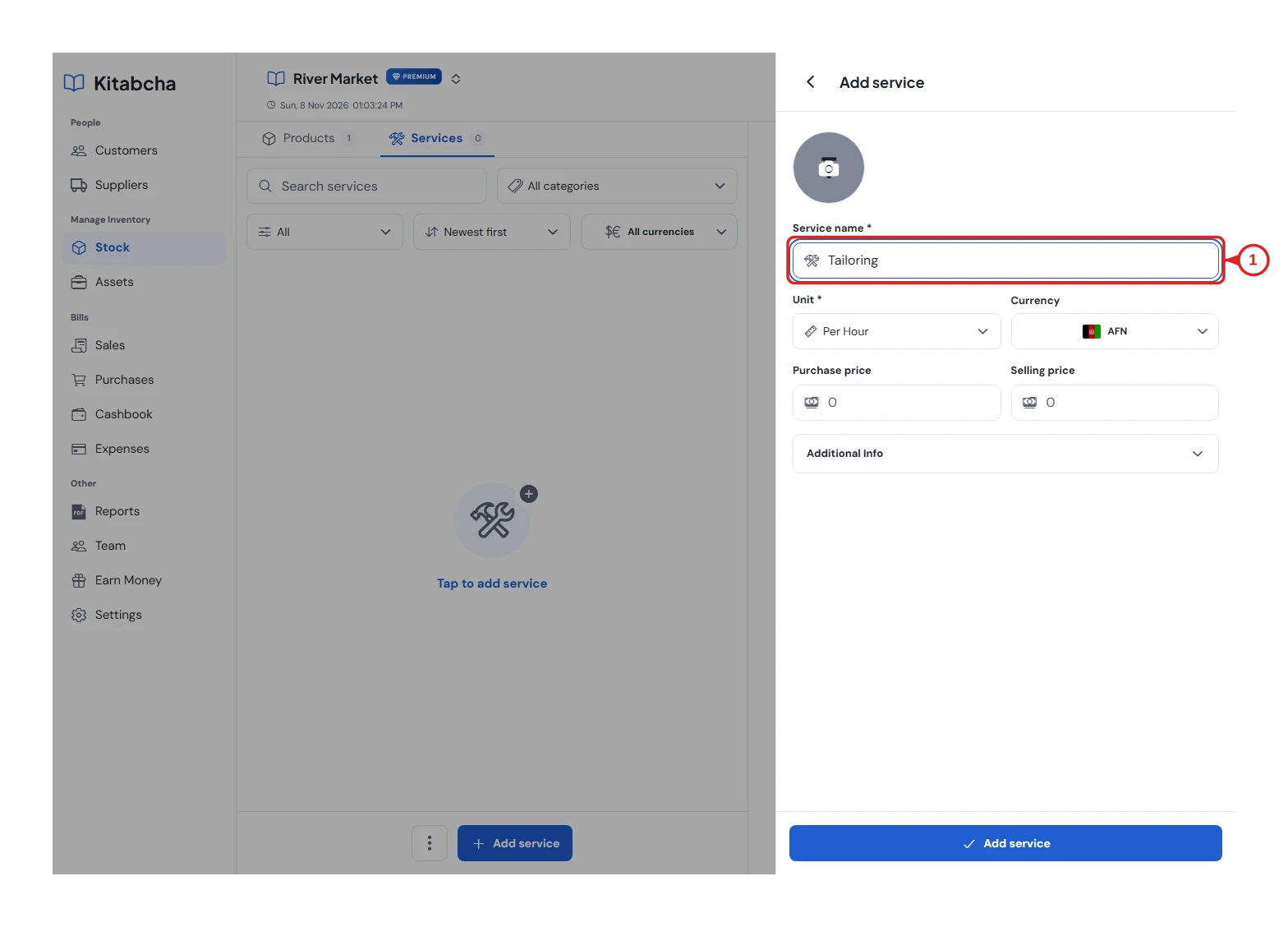
- Service name
Use it in a sale
- Create a sale and select the service from the product/service picker.
- Enter the quantity or agreed price, choose the customer and payment details, then save.
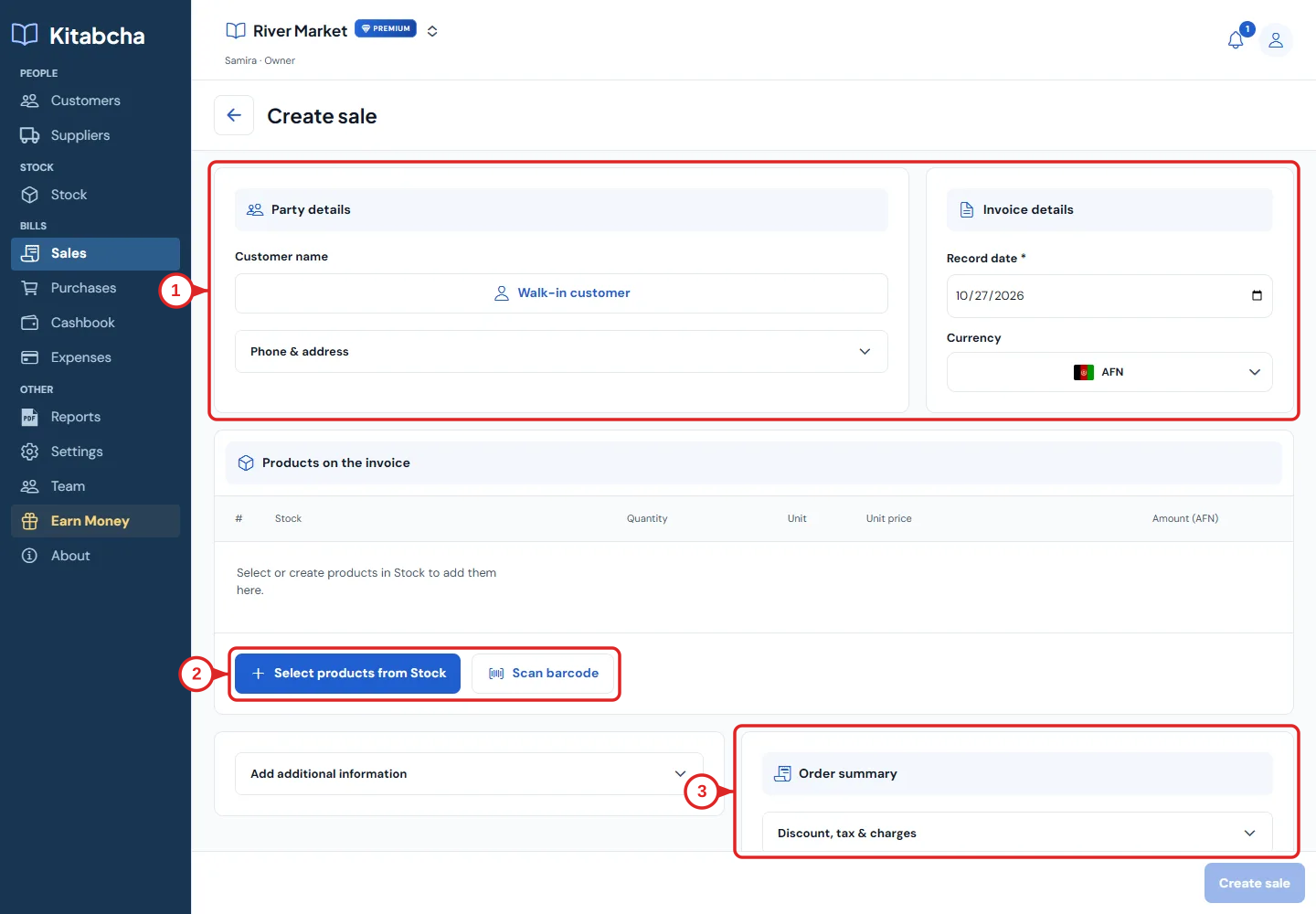
- Choose the customer
- Choose products
Review the result
- The service appears on the invoice and in sales reports.
- No goods are removed from stock. Use Products for goods you sell and Assets for equipment your business uses.
Need a hand?
Tell us which step you reached, your device and what happened. Never share sign-in codes or private records in public messages.
WhatsApp supportEmail support