
Track equipment your business uses
Keep generators, furniture and other business assets separate from goods for sale.
Add an asset
- Open Assets and select Add asset. Enter the name, unit, currency and useful details such as a photo or category.
- For equipment you already own, enter its opening quantity and original cost. Adding a definition alone does not record a cash payment.
Record new equipment purchases
- Use Create purchase from the asset, or choose the Assets tab when selecting items in Purchases.
- Choose the supplier, quantity and actual cost. Add relevant charges, attach the receipt and record the amount paid, then save the purchase.
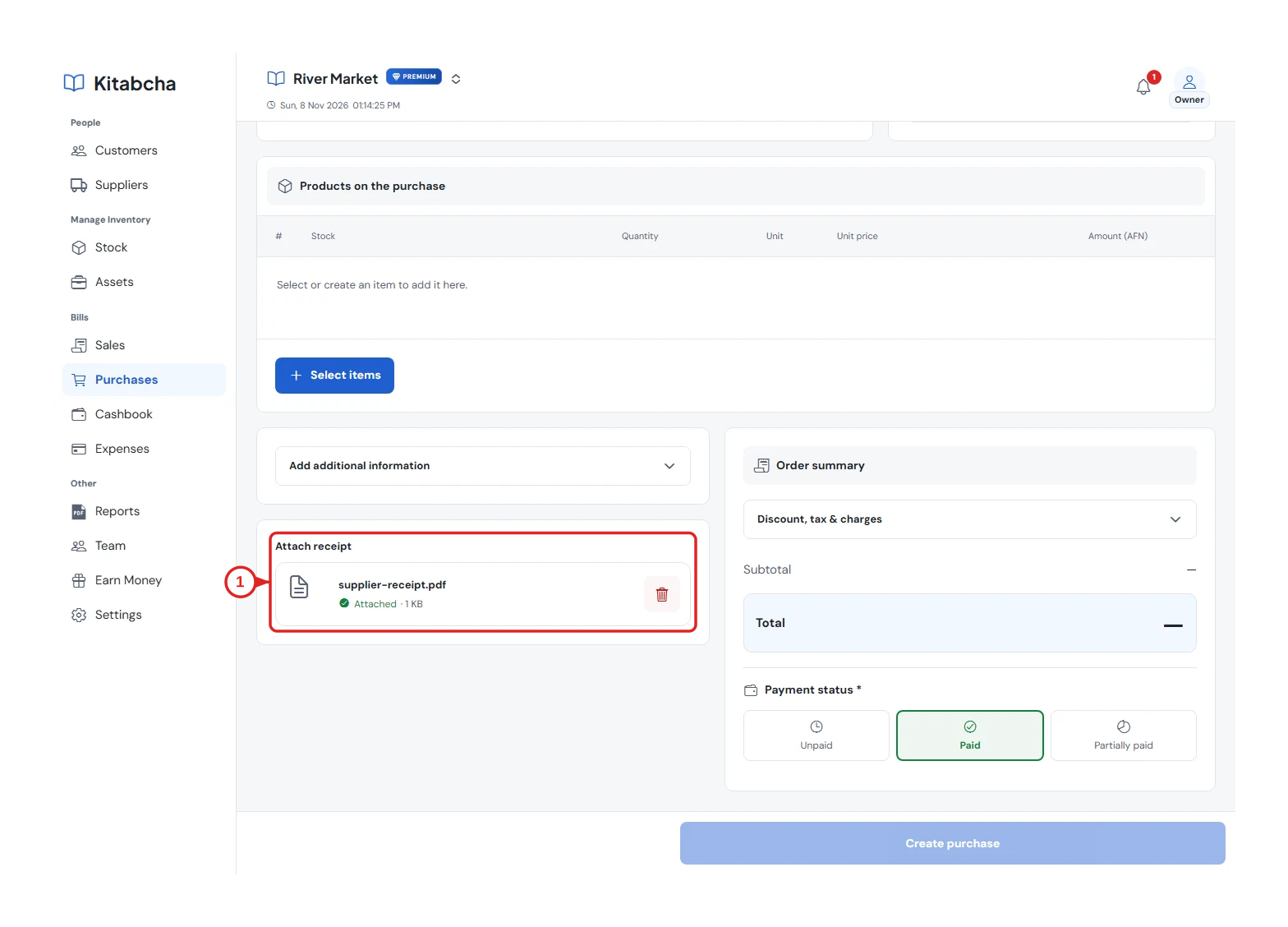
- Attach supplier evidence
Review the register
- Open the asset to see quantity, recorded acquisition cost and linked purchases. Use the original purchase or supplier account for a later payment.
- The register does not calculate depreciation or current market value. Assets are not merchandise for sale; their register report is available in Reports.
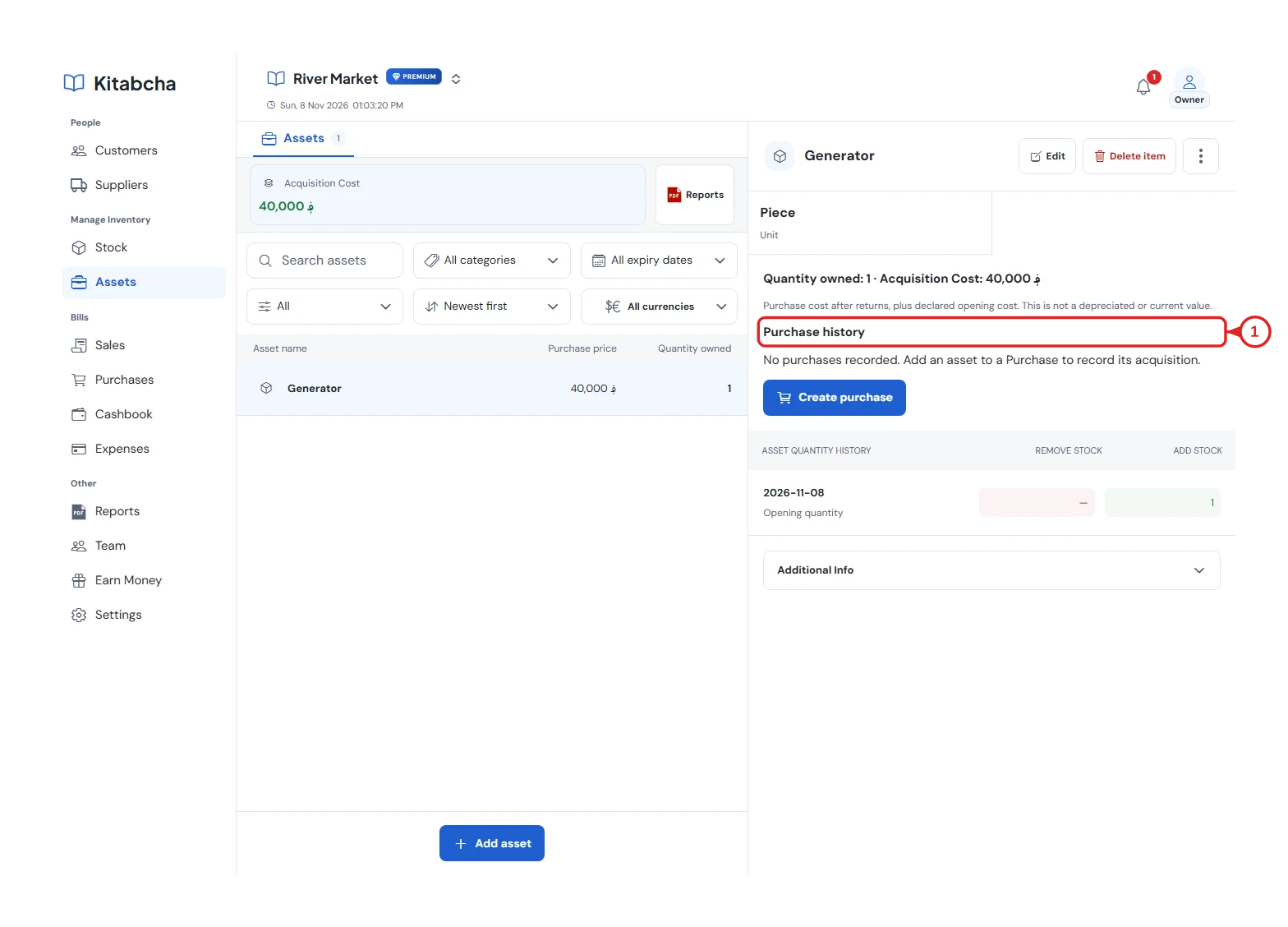
- Review acquisition history
Need a hand?
Tell us which step you reached, your device and what happened. Never share sign-in codes or private records in public messages.
WhatsApp supportEmail support