
Sales & stock · Kitabcha help
Record purchases, supplier bills and credit
Record stock purchases, distinguish unpaid supplier bills from payments, and track what remains to pay.
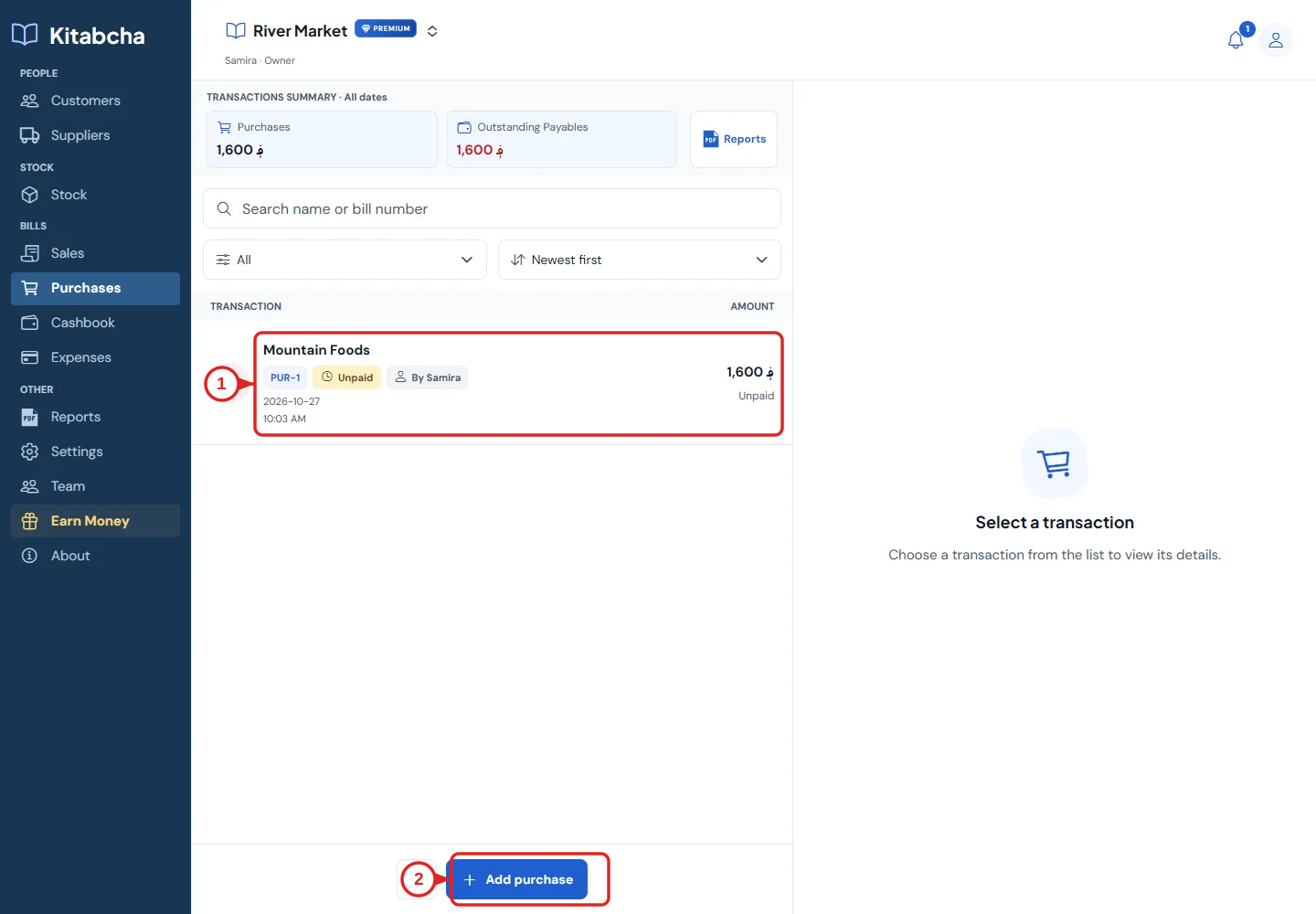
- Unpaid purchase
- Add purchase
Create a purchase
- Open Purchases and select Add purchase. Choose the supplier so unpaid amounts appear on the correct account.
- Set the date and currency. Add products, quantities and purchase prices. A stock purchase increases tracked stock when recorded.
- Check any discount and additional charges. Enter the amount paid only if money actually changed hands.
- For a fully unpaid purchase, leave the paid amount at zero. The outstanding amount is money your business owes the supplier.
- Create the purchase and open the saved bill to check the total, paid amount and remaining balance.
Later payments and returns
- Pay a saved bill using Payment Out or the supplier’s Record transaction flow. Apply the payment to the relevant bill.
- A purchase increases inventory; a sale reduces inventory. A purchase quantity should not be capped by stock you already own.
- Use the return action for returned goods and review its maximum returnable quantity. Do not return more than the original eligible quantity.
- When cancelling a bill, separately decide what should happen to its payment. A payment can still be real even when the bill is cancelled.
Need a hand?
Tell us which step you reached and what happened. Keep sign-in codes and private business data out of public messages.
WhatsApp supportEmail support