
Import starting accounts from CSV
Bring several customer or supplier starting balances into Kitabcha together.
Use the template
- Open Settings → Import your Kitabcha and download the CSV template.
- Fill in its columns with customer or supplier details, currency, amount and the correct balance direction.
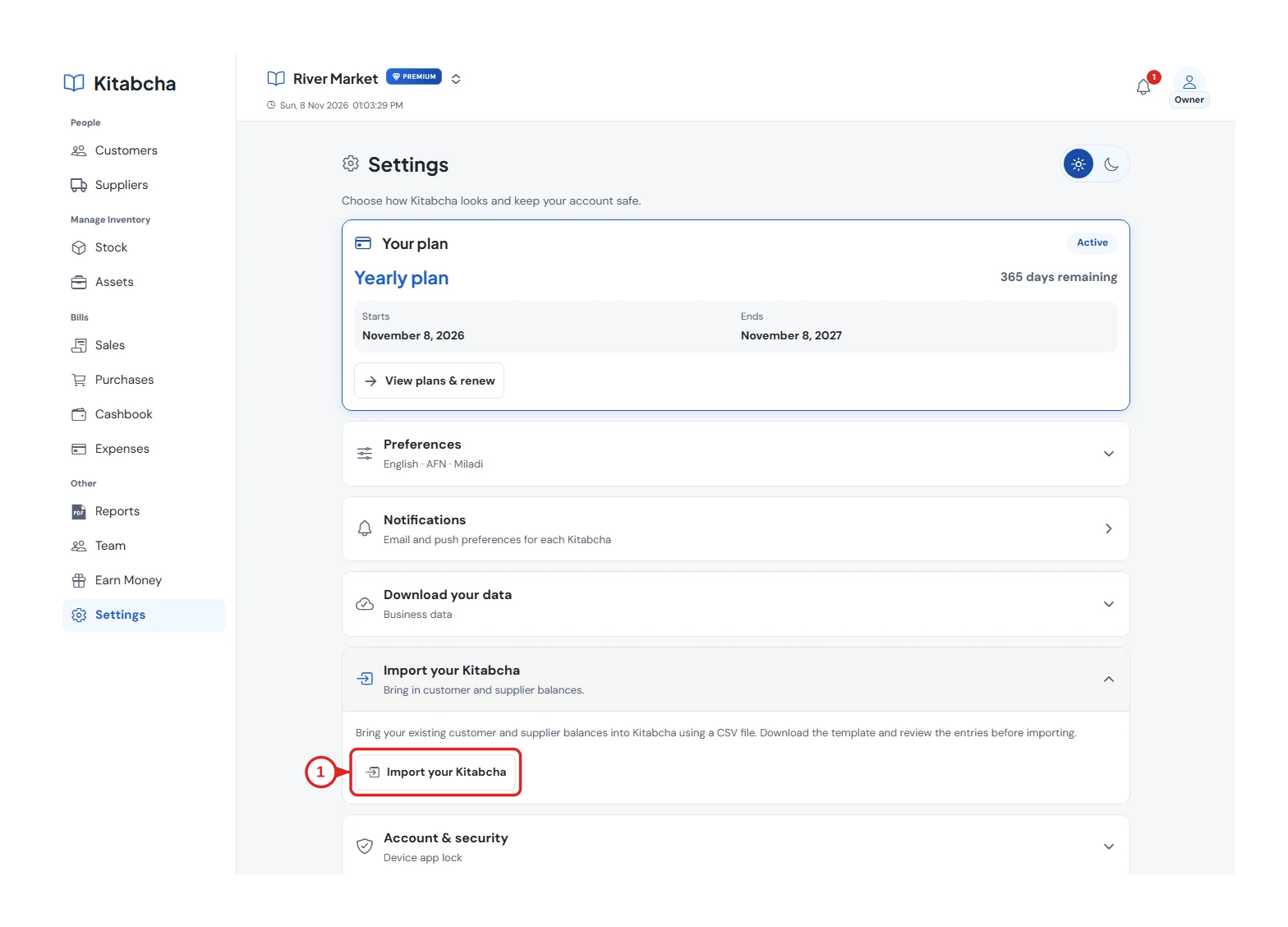
- Import your starting accounts
Review the preview
- Choose your CSV file and inspect the import preview. Correct invalid rows and check names, phone numbers and currencies.
- Import only when the preview matches your old notebook. Existing records and duplicate starting balances need special care.
Check the accounts
- Open a few imported people and compare their balances with the original figures.
- Record only new sales and payments after your starting date. Do not import the same old debts again as new sales.
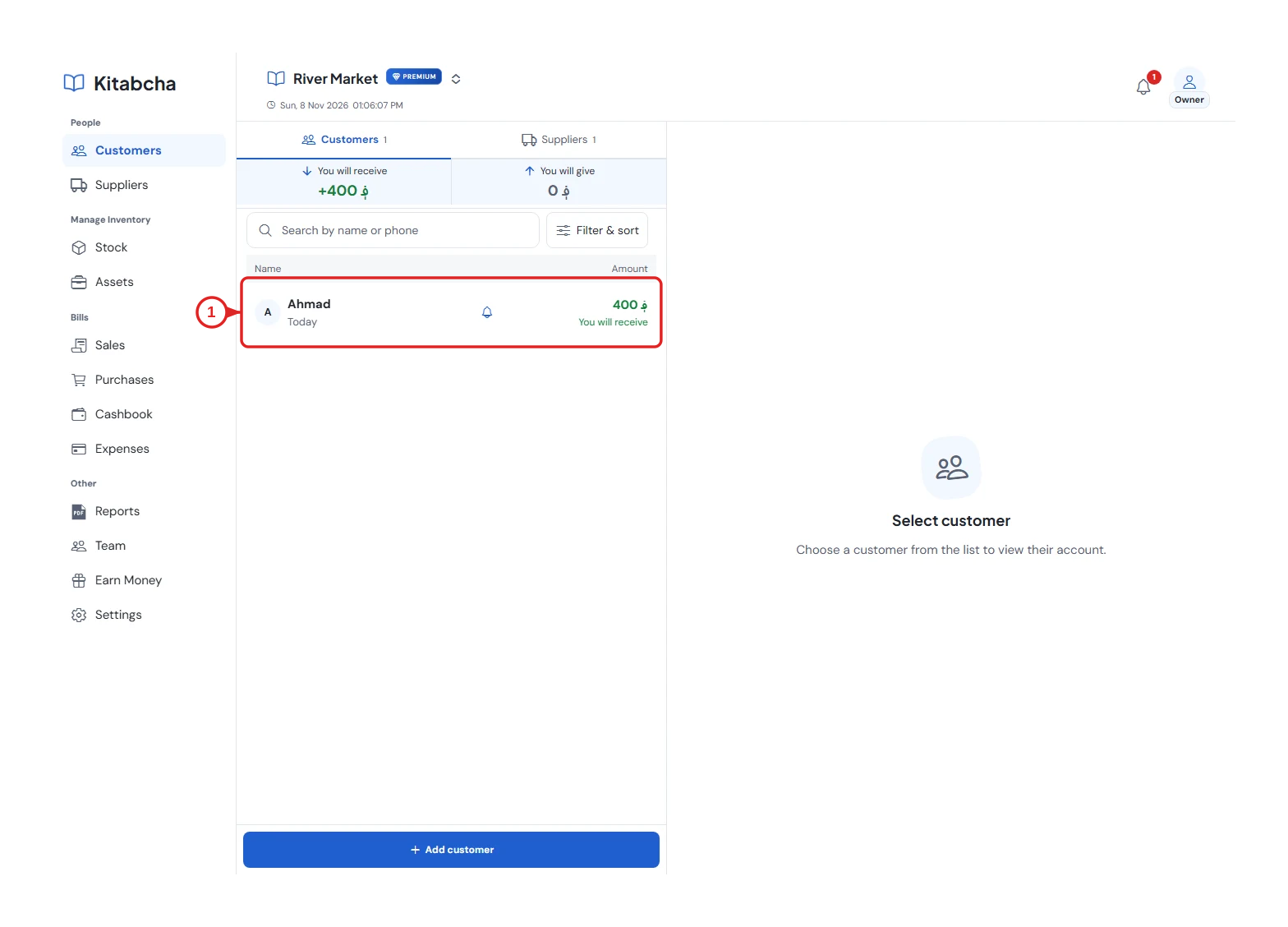
- Choose the customer
Need a hand?
Tell us which step you reached, your device and what happened. Never share sign-in codes or private records in public messages.
WhatsApp supportEmail support