
Restore a deleted record
Recover a record from Recycle Bin while it is still available.
Find the deleted record
- Open Recycle Bin from the app navigation; on a phone, look under More.
- Search for the customer, supplier, product or transaction you need. Check its deletion and expiry information.
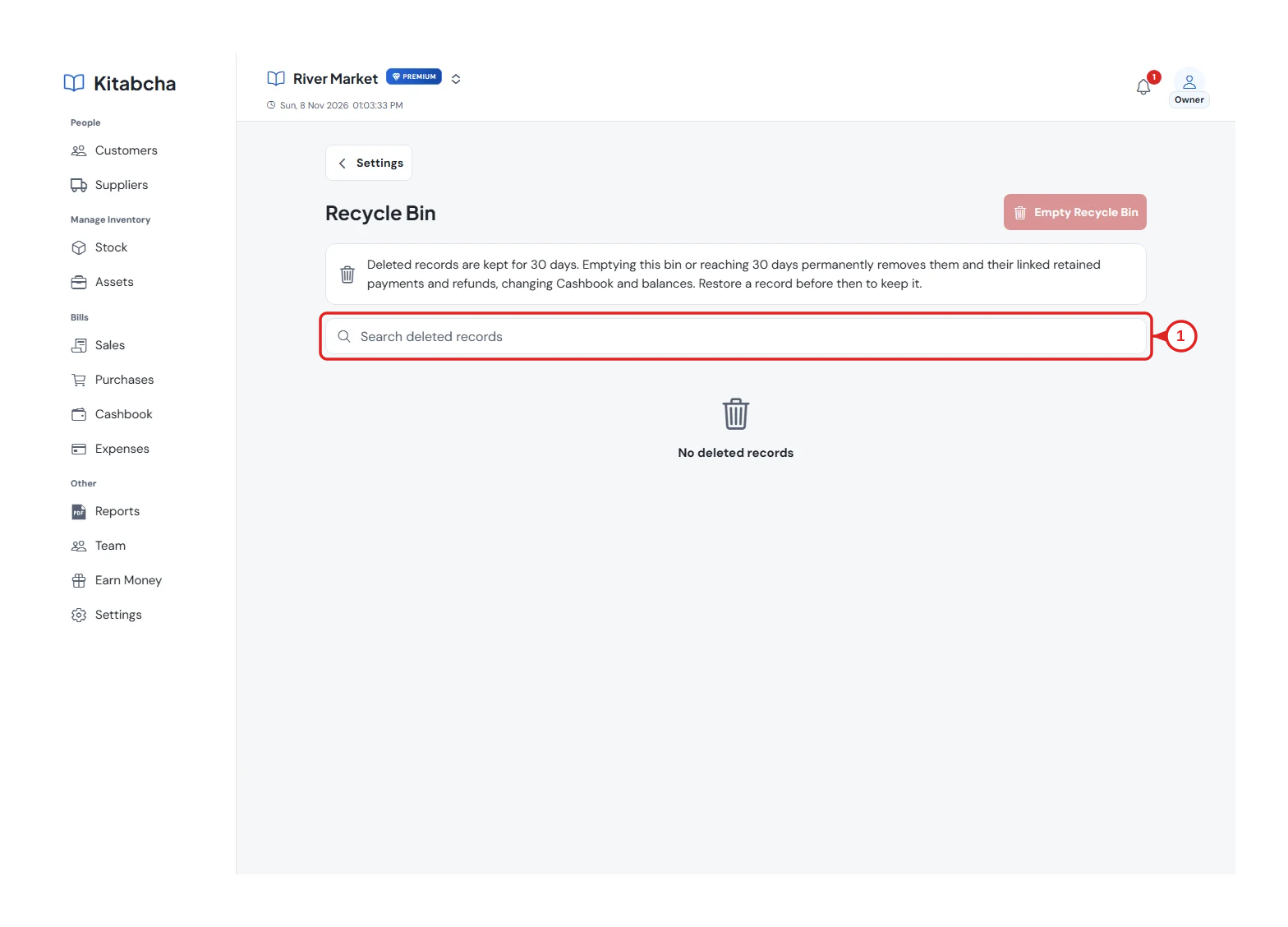
- Find a deleted record
Restore it
- Open the record and choose Restore where available. Read any confirmation about linked records.
- Return to its original list and check the restored record and balance.
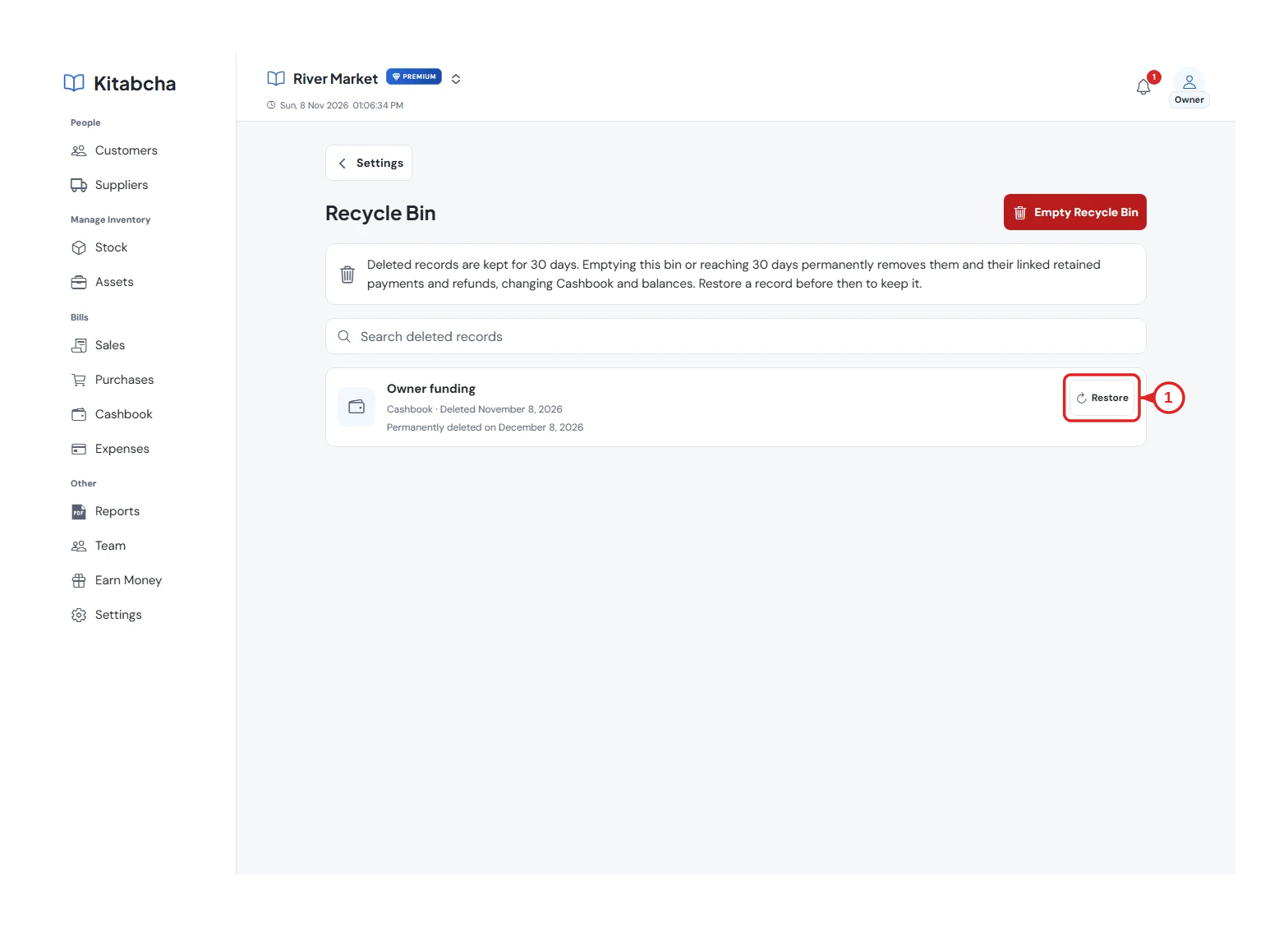
- Restore the record
Keep the recovery period in mind
- Deleted records are kept for 30 days. After that, or after permanently emptying the bin, normal restoration is no longer available.
- Permanent deletion can also remove linked retained payments or refunds and change balances. Export any records you need before choosing a permanent action.
Need a hand?
Tell us which step you reached, your device and what happened. Never share sign-in codes or private records in public messages.
WhatsApp supportEmail support