
Invite friends and check earnings
Share your referral code and follow the reward progress shown in Earn Money.
Share your invitation
- Open Earn Money and choose Share invite to send your link or code.
- A new user can enter your code under Have a friend's code? while setting up their account.
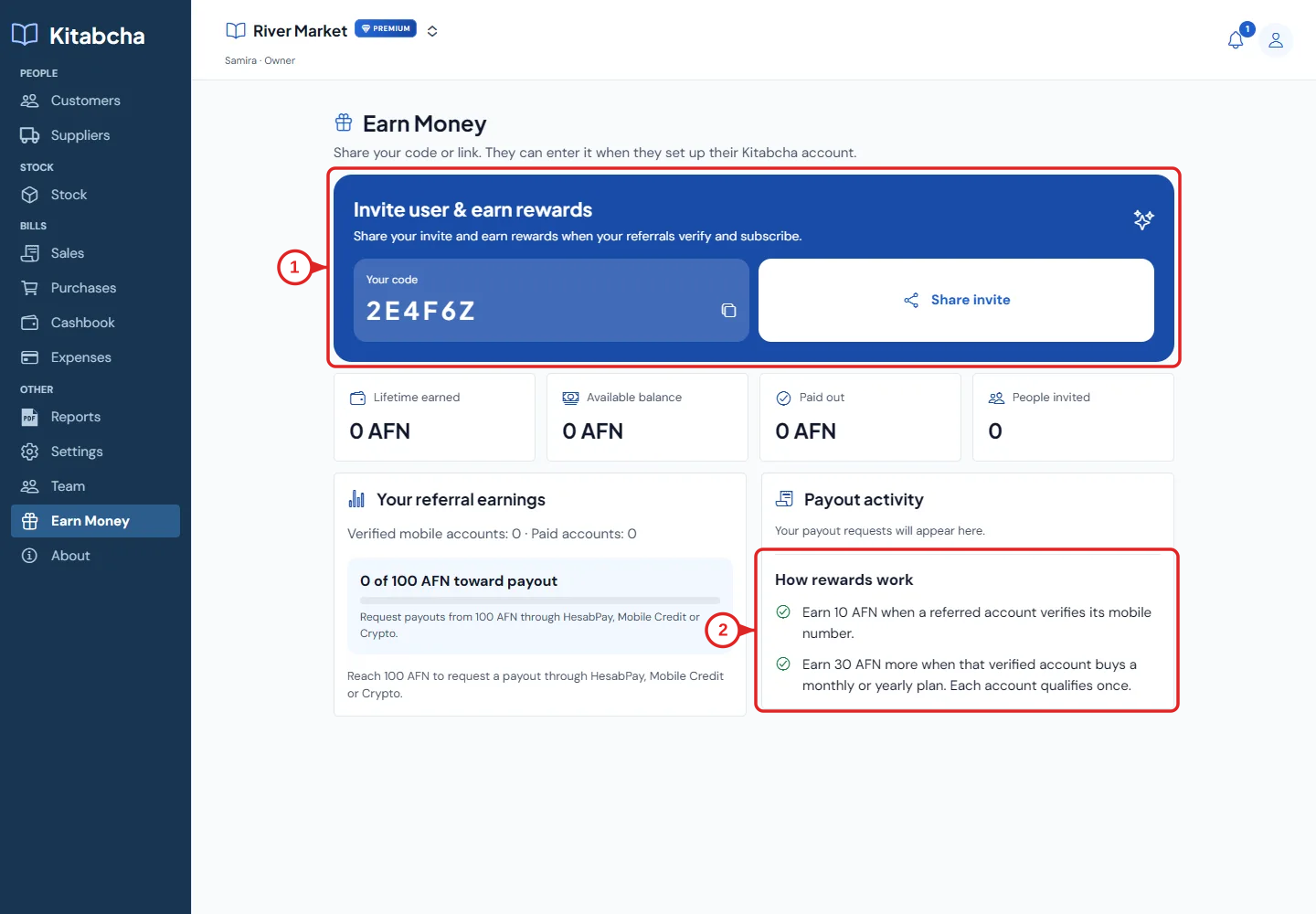
- Open earn
Check your earnings
- Read How rewards work and the account counts shown in the app.
- The progress indicator shows your available earnings toward the current payout minimum. Use the amounts and eligibility rules displayed there.
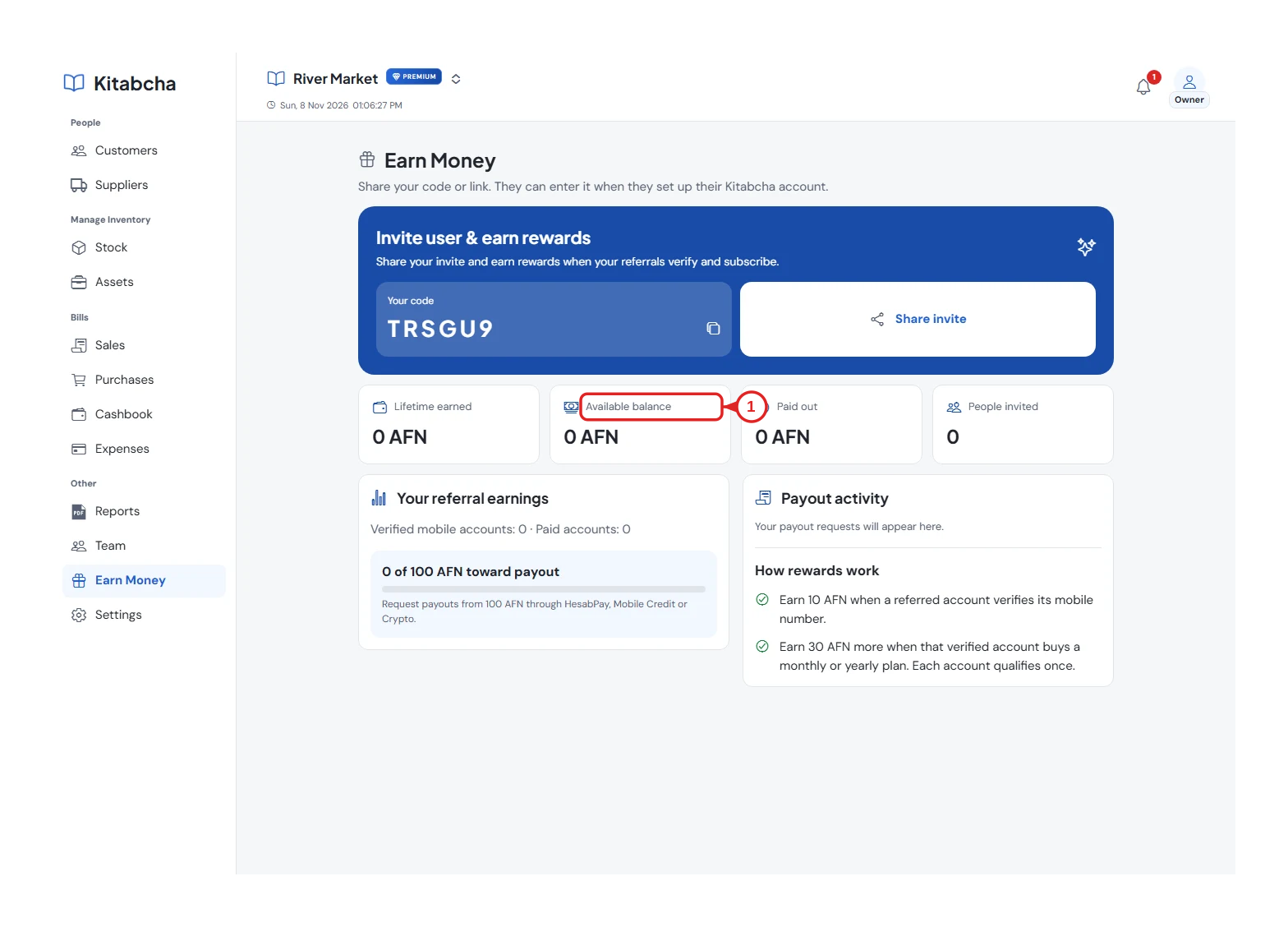
- Review your referral balance
Request a payout
- When eligible, use the payout action and choose an available method. Check the request details before submitting.
- Follow the request status in the app. Sending an invitation alone does not guarantee a paid referral or payout.
Need a hand?
Tell us which step you reached, your device and what happened. Never share sign-in codes or private records in public messages.
WhatsApp supportEmail support