
Account & team · Kitabcha help
Find your plan and share a referral code
Review your current Kitabcha plan, find referral sharing tools and distinguish pending earnings from available payouts.
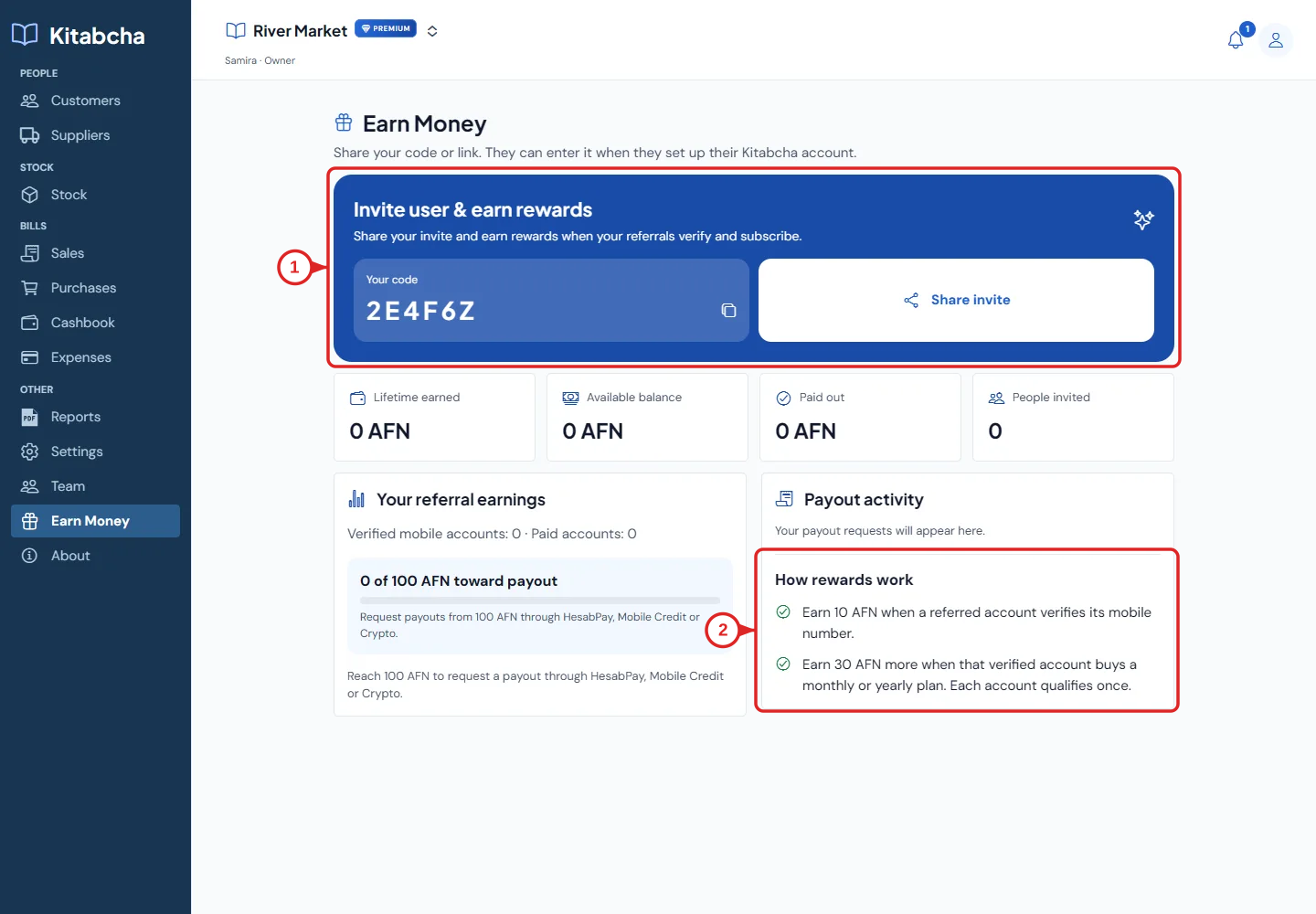
- Share your referral
- Check reward and payout rules
Review your plan
- Open Settings and check Your plan for the current status and dates. Use View plans & renew to see the current options.
- Some actions depend on the plan and your role. Read the current in-app limits rather than assuming another business’s plan applies to yours.
- If plan verification cannot complete, check your internet connection and try again. Contact support if the error continues; do not create duplicate businesses to work around it.
Share a referral
- Open Earn Money to find your code and Share invite action. Send the invitation only to people you intend to invite.
- A new user can enter the code under “Have a friend’s code?” during onboarding. The field is optional.
- Review the current “How rewards work” text and payout rules in the app. Pending earnings and available balance are different; the on-screen eligibility rules apply.
- Use the payout controls only when the displayed requirements are met. Do not promise someone a payout or a reward amount that is not shown in the current program.
Need a hand?
Tell us which step you reached and what happened. Keep sign-in codes and private business data out of public messages.
WhatsApp supportEmail support