
Start here · Kitabcha help
Fix verification-code, connection and missing-record problems
Troubleshoot email or WhatsApp verification timeouts, VPN connection issues, permissions and unavailable record links.
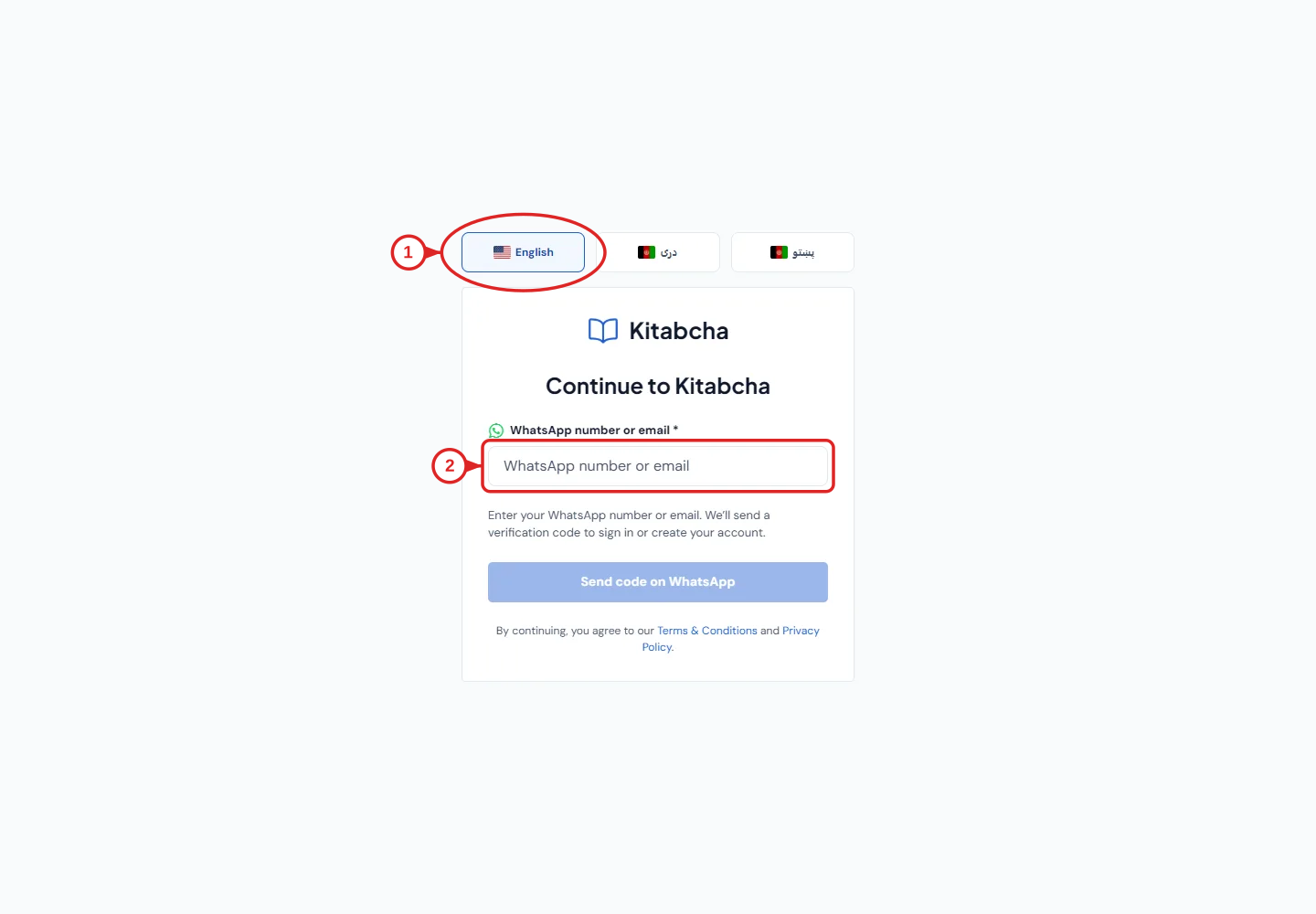
- Choose your language
- Enter email or WhatsApp
The verification request took too long
- Check your internet connection and confirm the email address or WhatsApp number is correct. For email, check spam and junk folders too.
- If you are using a VPN, try temporarily disconnecting it or changing to a reliable network, then request a fresh code. Some VPN routes can cause requests to time out.
- Use the latest code and wait for the app’s resend option. Avoid repeatedly requesting codes in quick succession.
- If it still fails, note the time, network, app or browser version, and the exact error. Do not send support your password or a verification code.
A record cannot be opened
- Check which Kitabcha is active and whether your team role permits that section. A saved link may refer to another business or a record you can no longer access.
- Return to Customers, Suppliers or the relevant list and select a current record. Clear filters if the list looks empty.
- Refresh once after checking the connection. If the problem remains, send support the section name and error wording without exposing private records unnecessarily.
Contact Kitabcha support
- Email info@kitabcha.app or use WhatsApp +93 731 965 660. Include what you were trying to do, what happened, your device and the app version.
- Crop or hide customer details in screenshots unless they are needed to investigate. Never include your sign-in code, complete backup or payment credentials in a public message.
Need a hand?
Tell us which step you reached and what happened. Keep sign-in codes and private business data out of public messages.
WhatsApp supportEmail support